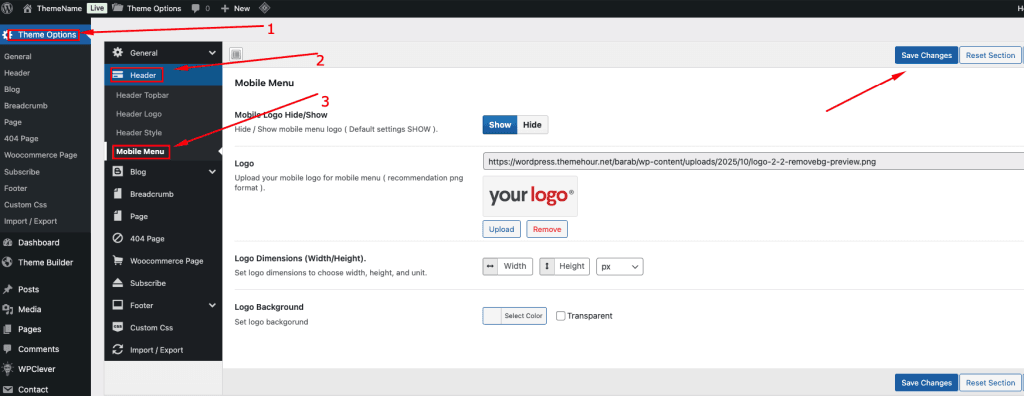
Navigate to Kleanix Options → Header → Mobile Menu
You’ll find several customization options for the mobile header section:
Mobile Logo Hide/Show: Toggle this option to Show or Hide the logo in the mobile menu. (Default: Show)
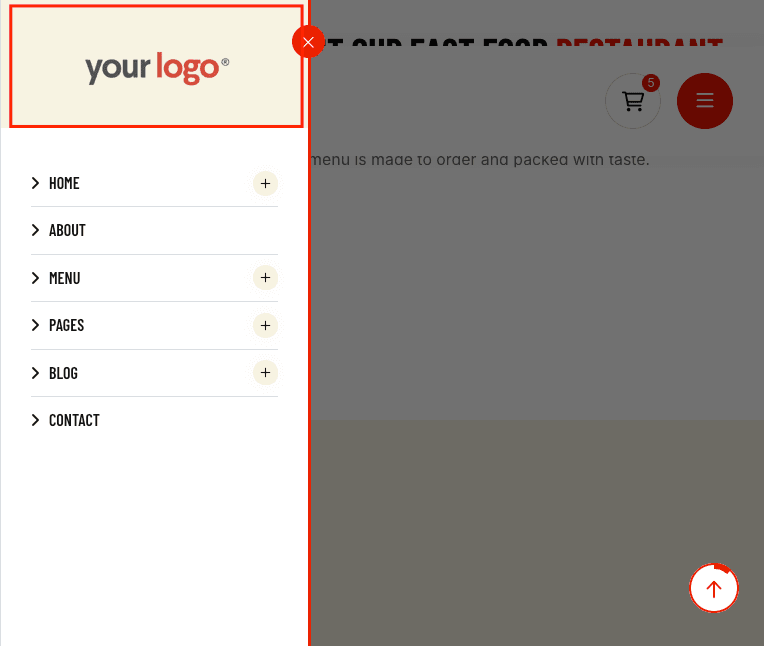
Logo: Upload a custom logo specifically for your mobile menu. Recommendation: Use a PNG image for the best visual quality.
Logo Dimensions (Width/Height): Set custom dimensions for your mobile logo using the provided input fields. You can define the width, height, and preferred unit (px).
Logo Background: Select a background color for the mobile logo area or enable the Transparent option if you prefer no background.